Buying a new or second-hand smartphone in Pakistan involves more than checking the screen, battery and camera. You should also understand whether the device can operate on local mobile networks under the Pakistan Telecommunication Authority’s device rules.
Pakistan uses the Device Identification Registration and Blocking System (DIRBS) to identify devices that are compliant or non-compliant with the applicable mobile-device registration framework. The Federal Board of Revenue (FBR) explains that non-compliant devices may be blocked from local mobile networks.
What is an IMEI?
An International Mobile Equipment Identity (IMEI) is an identifier associated with a mobile device’s cellular hardware. It is not the same as your phone number or SIM card number.
Many phones with multiple SIM capabilities have more than one IMEI. Check every relevant IMEI, not only the first number displayed.
Step 1: Find the phone’s IMEI
Common ways to find an IMEI include:
- Dial
*#06#in the phone’s dialer. - Open the device’s Settings and look for About phone or device information.
- Check the original packaging where the manufacturer prints device identifiers.
Compare the identifiers shown on the phone with the packaging or purchase record. A mismatch deserves investigation, but a matching box by itself is not proof of authenticity.
Step 2: Use an official verification method
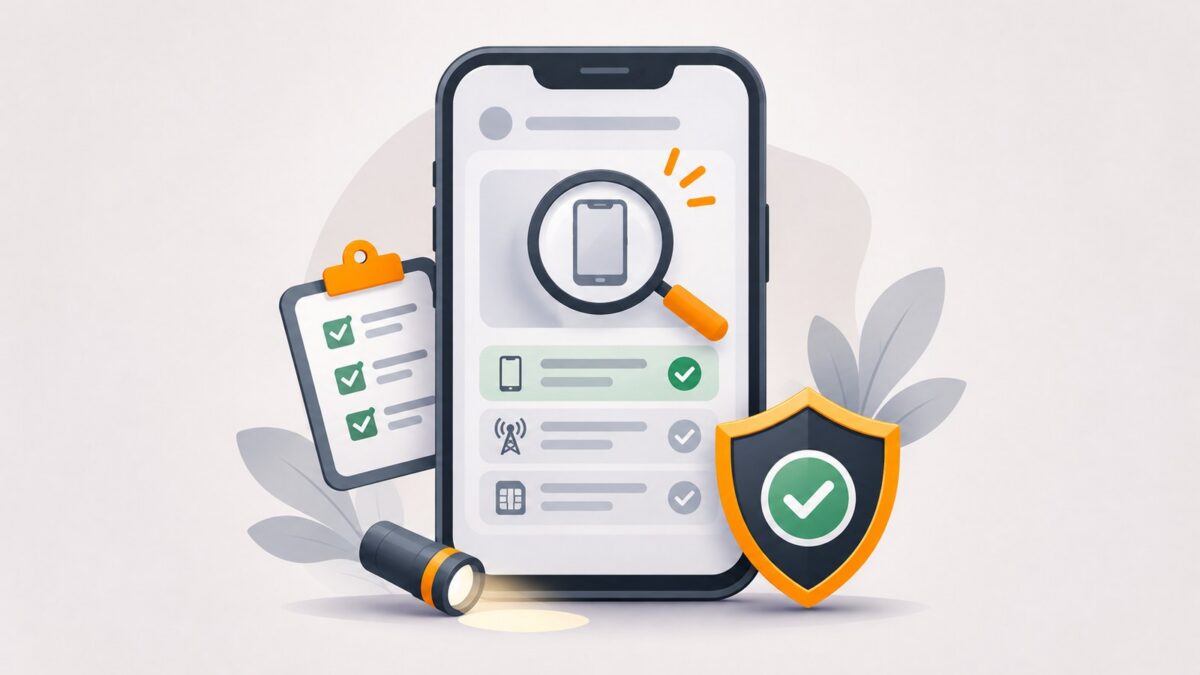
PTA’s DIRBS verification system supports device status checks. PTA’s published procedures describe a verification route using SMS to 8484, along with official website/app-based methods.
Follow current instructions from PTA for the exact verification channel and format. Avoid entering an IMEI into unfamiliar third-party websites or downloading unofficial “PTA approval” applications.
Take the response seriously and do not assume that a seller’s screenshot reflects the phone’s current status. Verify the device yourself when possible.
Step 3: Understand what a result means
A verification outcome can indicate whether a device appears compliant or requires attention under DIRBS. A verification result is not a guarantee of the phone’s physical condition, warranty, battery quality, ownership history or repair status.
If a result is unexpected, contact PTA or the seller and resolve the issue before paying.
What if a phone needs registration?
Registration procedures can depend on the device, applicant and circumstances. FBR provides official information about mobile-device regularization and applicable duties. PTA’s Device Registration System is the relevant government channel in cases requiring registration.
Do not rely on a fixed “PTA tax” figure from social media. Amounts and rules can differ by device and change over time. Only use the current official processes for any assessment or payment.
Other checks before buying a used phone
- Test a local SIM where permitted and confirm calls and mobile data work.
- Check the display, charging port, cameras, microphone and speakers.
- Confirm the device is not locked to another person’s Apple or Google account.
- Ask for a valid receipt and clarify the return policy.
- Be cautious with phones advertised as “patched,” “cloned” or “temporary approved.”
- Never share payment details or personal identity documents with unknown websites claiming to fix IMEI problems.
Frequently asked questions
Is the IMEI number the same as the serial number?
No. Both may identify aspects of a device, but they are different identifiers.
Can I verify PTA status before buying a second-hand phone?
Yes. Ask the seller to show the IMEI and use the official verification method yourself before completing the purchase.
Does PTA compliance mean a used phone is genuine and undamaged?
No. Network registration status and physical or ownership checks are separate.
Final takeaway
Treat IMEI status as one essential part of inspecting a phone in Pakistan. Verify all applicable identifiers through official PTA channels, understand any registration requirements and check the device’s actual condition before paying.
Sources and further reading
- PTA DIRBS procedure, including Device Verification System: https://tipp.gov.pk/ur-pk/site/display/153
- FBR — Mobile Devices Regularization / DIRBS: https://www.fbr.gov.pk/mobiledevicesregularizationdirbs/51149/131261
- Pakistan Ministry of Foreign Affairs — DIRBS overview: https://mofa.gov.pk/pta-device-identification-registration-blocking-system-dirbs
Editorial check before publishing: Reconfirm current PTA verification endpoints, SMS instructions, registration rules and taxes. Do not reproduce any real IMEI in images or examples.