An unexpected parcel notification, a warning that your bank account will be locked, or a message asking you to confirm a login can all create the same reaction: click first, think later. That urgency is exactly what many phishing scams exploit.
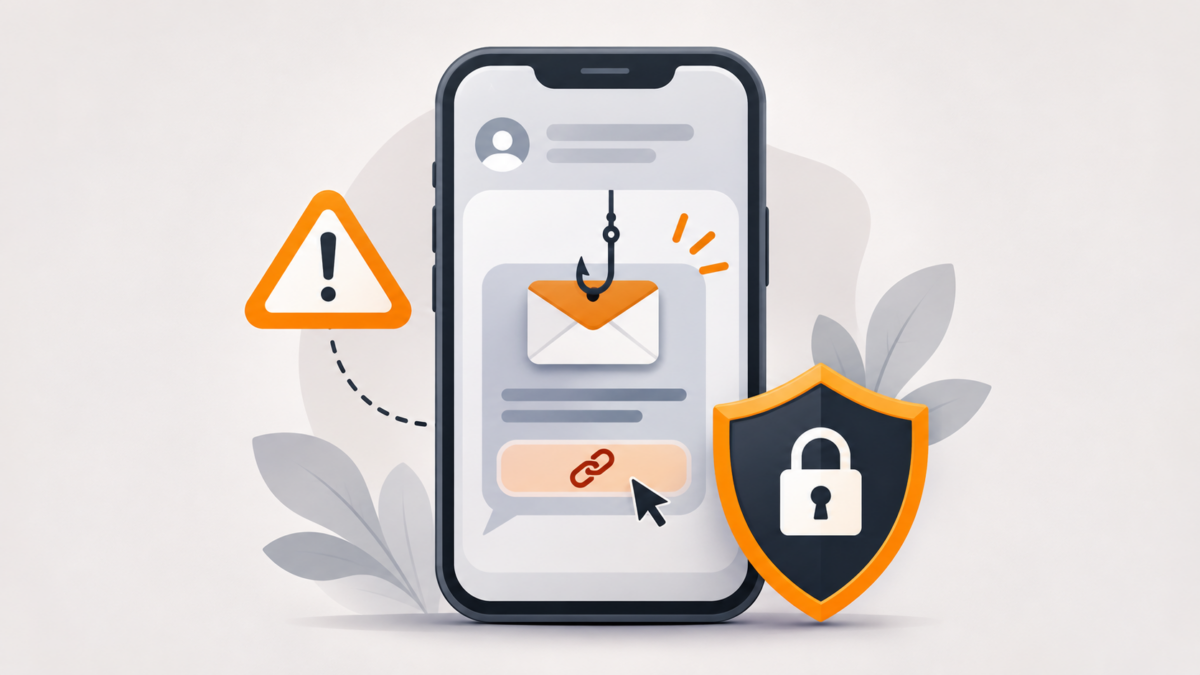
Phishing is a type of online deception in which attackers impersonate a trusted person or organization to persuade someone to reveal a password, payment information or another sensitive detail. These attempts can arrive by email, text message, messaging apps or fake websites. They can also try to persuade recipients to download harmful files.
The good news is that you do not need advanced technical knowledge to recognize many warning signs.
What does a phishing message look like?
A phishing attempt may resemble a routine notice from a delivery company, bank, shopping platform, university or social media service. For readers in Pakistan, the scenario might be an unexpected courier message, a fake account-verification request or a message pretending to come from a familiar service. These are illustrative examples, not claims about any specific company’s messages.
Common warning signs include:
- Unexpected urgency: “Verify now or your account will be suspended.”
- Requests for secrets: A message asks for your password, PIN, one-time verification code or payment details.
- Unusual links: The destination website does not match the organization’s genuine domain.
- Surprising attachments: You are asked to open a file you did not expect.
- Unusual payment demands: A message pressures you to pay immediately using an unfamiliar method.
A polished design or familiar company logo is not proof that a message is genuine. Scammers can imitate both.
Five checks to make before opening a link
1. Stop when a message creates pressure
Treat dramatic deadlines or threats as a reason to verify, not a reason to rush. If an account issue is real, you should be able to check it through the service’s official app or website.
2. Check the sender — but do not rely on the name alone
An email or message may display a familiar name while coming from an unrelated address. Examine the actual sender information where available. Remember that a convincing sender name alone does not authenticate a message.
3. Inspect the destination address
On a computer, hover over a link without clicking to see its destination. On a phone, use the platform’s link-preview method cautiously without opening the site. Look at the actual domain, not simply words such as “secure,” “support” or the brand name somewhere in a longer address. Shortened URLs can make a destination harder to judge.
Even a website showing a padlock or HTTPS is not automatically trustworthy: encryption does not establish that the business behind the page is genuine.
4. Open the official service yourself
Rather than following the message’s link, open the company’s app or enter a known correct website address directly. If the message claims a payment, delivery or account issue, check it there. You can also contact support using a number from the company’s verified website, not the suspicious message.
5. Never share a verification code with a stranger
One-time codes are intended to confirm a sign-in or action you initiated. If someone unexpectedly asks you to read a code back to them, stop and investigate. A code request can be part of an attempt to take over an account.
How to make your accounts harder to steal
Use unique passwords. Reusing the same password across several accounts means one breach can put more than one account at risk. A reputable password manager can help you create and store strong, distinct passwords.
Turn on multi-factor authentication (MFA). A second step makes account access harder if a password is stolen. When available, passkeys or security keys offer stronger protection against phishing than manually entered one-time codes. SMS or authenticator codes may still provide useful protection, but they are not equivalent to phishing-resistant methods.
Keep devices updated. Security updates help address known vulnerabilities. Use your device’s built-in protections and be cautious about installing unknown software or browser extensions.
Protect recovery options. Keep your recovery email address and phone number current, and review account activity when a service alerts you to an unfamiliar sign-in.
What if you already clicked a suspicious link?
A click alone does not always mean an account has been compromised, but take the situation seriously.
- Do not enter any more information on the page, and close it.
- If you entered a password, navigate independently to the genuine service and change that password immediately. Change it on other accounts if you reused it.
- Review recent account activity, sign out unfamiliar sessions if the service offers that option, and enable stronger authentication.
- If you entered payment information, contact the bank or card issuer using its official contact details and ask what protective steps are appropriate.
- If a file was downloaded or installed, update your security software and scan the device. Seek qualified help if you suspect malware or account takeover.
- Report the suspicious message through the messaging app, email provider or relevant service’s reporting mechanism.
Quick checklist before you trust a message
Ask yourself: Was I expecting this message? Does it ask me to act urgently? Is it requesting money, a password or a security code? Can I verify the claim directly through an official app or site?
If anything feels inconsistent, do not use the supplied link. Independent verification is usually much safer than reacting to the message itself.
Frequently asked questions
Can a phishing website look exactly like a real one?
Yes. A fake site can closely copy a legitimate service’s branding, so appearance alone is not a reliable identity check.
Is every shortened link malicious?
No. Shortened links have legitimate uses, but they hide the destination and make verification harder, especially in unexpected messages.
Does two-factor authentication stop every phishing attack?
No. It significantly improves protection, but some attacks can trick users into disclosing manually entered codes. Passkeys and security keys are generally more resistant to that class of attack.
What should I do with a suspicious WhatsApp or SMS message?
Avoid opening its link or sharing personal information. Verify any claim through the official service, then use the app’s report or block options if appropriate.